Automate translation, reviews, and updates with artificial intelligence.
Stay in control with real-time tracking, statuses, and locale management.
Integrate seamlessly with your repos and tools for a smooth end-to-end workflow.
Automate your localization workflow and accelerate global expansion. LingoHub helps teams streamline the full localization lifecycle.
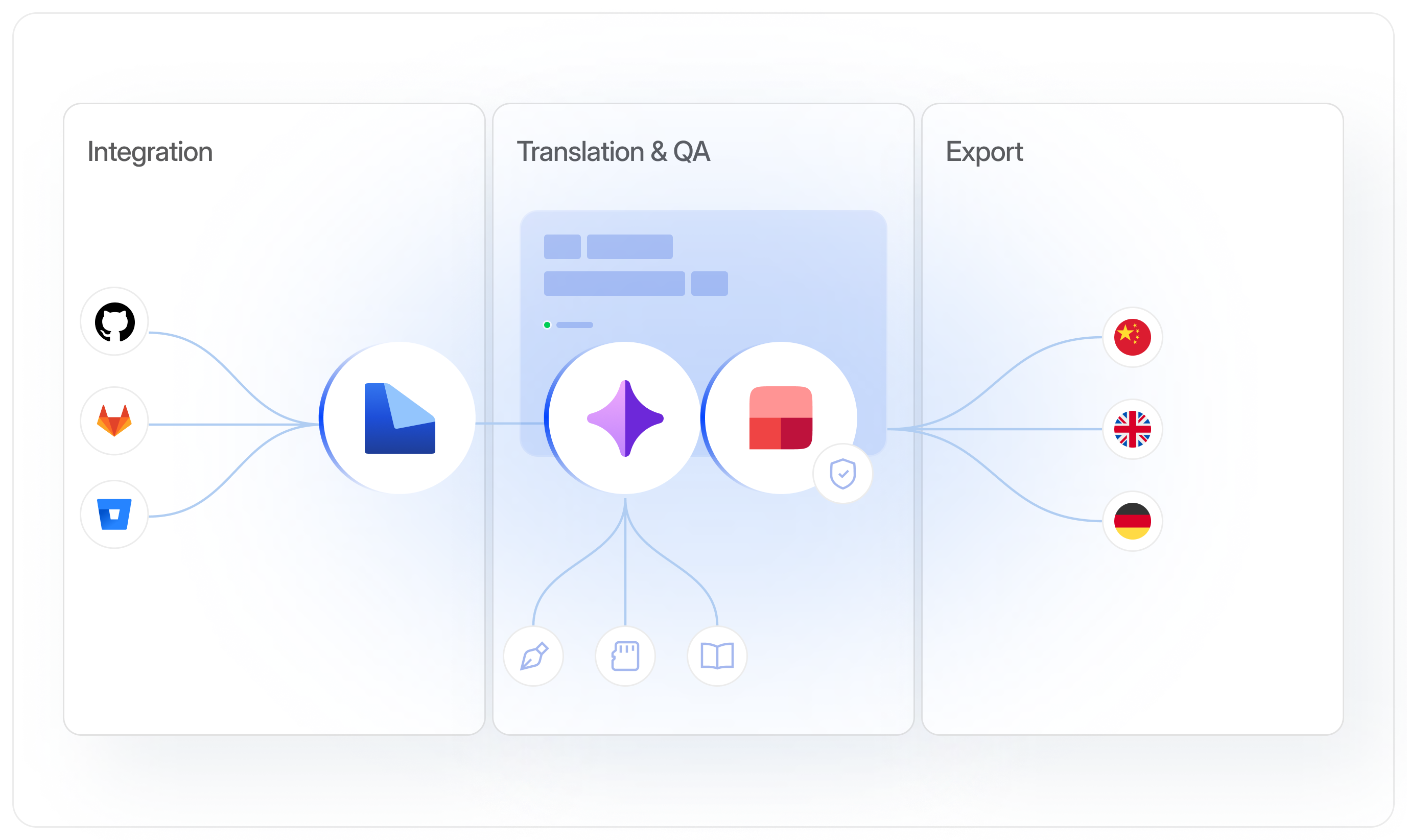
Automate translation, reviews, and updates with artificial intelligence.
Stay in control with real-time tracking, statuses, and locale management.
Integrate seamlessly with your repos and tools for a smooth end-to-end workflow.
Cut manual work
Use AI to translate content, apply recurring updates faster, and catch issues early. Let your team focus on nuance.
)
Build workflows that fit
Create clear handoffs, approvals, and review steps that match your process across products, languages, and teams.
)
Work with context
Add screenshots, connect source content, and keep conversations close to the text to reduce questions and avoid rework.
)
What is a localization workflow?
A localization workflow is the set of steps your team uses to move content from source creation to translated delivery, including syncing content, pre-translation, translation, review, quality checks, and publishing. Automating the workflow reduces manual handoffs and helps teams ship consistent updates across locales faster.
For managers

Automation eliminates repetitive setup steps
Clear, consistent workflows across teams and projects
Faster turnaround and smoother review cycles
For developers
No manual file handling or string copy-pasting
Predictable, CI/CD-ready localization pipelines
Automatic push-back helps reduce release delays
For marketers
Campaigns and product copy reach global markets faster
Fewer obstacles in multilingual approvals
Consistent tone and terminology through automated quality checks
01
AI-powered workflows
Combine style guides, translation memory, and glossaries with AI-powered translation, proofreading, and rephrasing.
02
Structured localization process
Track every text segment with source and target statuses to monitor progress in real time and keep teams aligned.
03
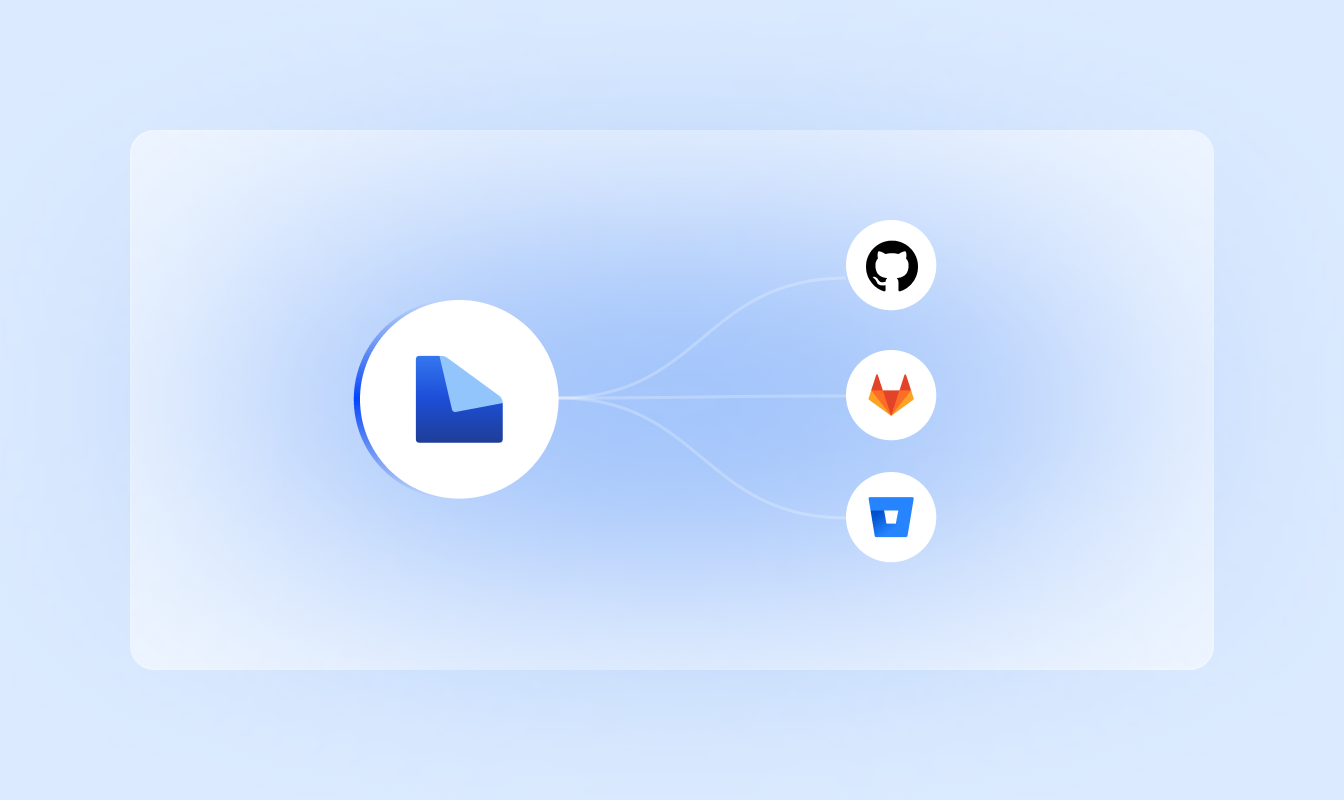
Repository integration
Connect GitHub, GitLab or Bitbucket to update content continuously, create pull requests, and keep repositories clean.
04
Automated updates
Sync text changes instantly, automate quality checks, and import or export content without losing accuracy between versions.
Automate your content flow, create high-quality translations with AI, and manage teams, projects, and languages with ease.
Set up and sync your content
Connect repositories such as GitHub, GitLab, or Bitbucket to sync content automatically.
Automate with AI
Trigger AI-powered translation for instant drafts and faster rephrasing across your content.
Review and publish updates
Move translations through approvals and push content with automated requests.
Start your localization journey with LingoHub
Free 14-day trial. No credit card required

Automated workflows for faster, predictable releases

AI-powered efficiency at every step

The single source of truth for global teams
Got questions? We have the answers.
How can I automate my localization workflow with LingoHub?

You can automate the entire lifecycle by integrating your repositories (such as GitHub or GitLab) to enable seamless syncing and automated pushbacks via pull requests. This setup allows for AI-powered localization to run without manual coordination.
How do I track the progress of my workflow in LingoHub?
LingoHub uses standardized segment statuses, such as “New”, “Pre-translated”, and “Approved”, to provide real-time visibility into your content’s lifecycle. These statuses keep your team aligned and help identify bottlenecks during the review and approval cycles.
How do I manage multiple Git branches within a single localization project?
LingoHub allows you to sync and manage Git branches independently, keeping your project data organized and technical elements like placeholders accurate. You can push translations directly to specific feature branches, keeping your main code clean and deployment-ready.
