Enforce approved terminology with clear preferred and discouraged options.
Reduce review loops with smart matching and glossary-aware suggestions.
Maintain a consistent brand voice across languages, channels, and teams.
Standardize technical, business, and industry vocabulary with a centralized glossary. Ensure that every team uses approved wording.
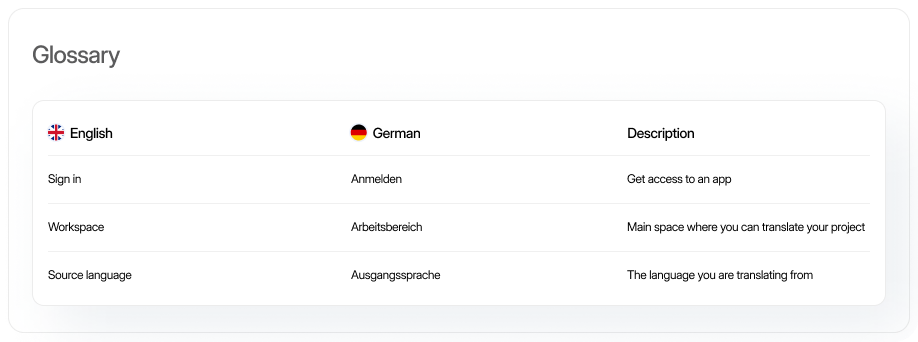
Enforce approved terminology with clear preferred and discouraged options.
Reduce review loops with smart matching and glossary-aware suggestions.
Maintain a consistent brand voice across languages, channels, and teams.
)
Manage terms easily
Keep language precise and consistent across projects with translatable and non-translatable terms.
)
Align teams with one glossary
Create a shared glossary for marketing, sales, support, and other teams to unify customer-facing language.
)
Onboard contributors faster
Give translators, writers, and team members instant access to approved terms from the start.
What is a glossary?
A glossary is a centralized term base for defining approved terms, discouraged or forbidden variants, and usage notes (context, grammar) to ensure consistent language across projects, teams, and languages.
For managers

Reduce terminology-related revision loops and feedback cycles
Keep language consistent across projects, vendors, and timelines
Create a single source of truth for naming conventions
For marketers
Maintain a unified brand voice across all markets
Keep product, campaign, and website copy aligned
Reduce brand drift in launches and lifecycle messaging
For translators
Get immediate access to approved terminology and context
Follow clear guidance on preferred vs. discouraged translations
Reduce the number of mistakes, rework, and review cylces
Term status and translation rules
Mark terms as preferred, admitted, not recommended or obsolete and set when terminology should be translated (always, never or optionally).
Rich term details
Capture context, number, gender, and product-specific rules for accurate terminology.
Smart matching
Detect terms automatically and reduce manual checking. Support exact, fuzzy, prefix, and custom matching for domain-specific terms and variations.
Multilingual entries and priorities
Add translations for each locale and set priorities by market. Keep approved terminology aligned across languages and prevent conflicting near-matches.
01

Project glossaries and governance
Combine glossaries with clear ownership. Manage updates only with users that have the required roles and permissions, and review translation workflows across teams.
02

Translation suggestions
Show approved glossary terms directly in the editor during translation. Surface suggested wording automatically so translators can apply it faster.
03
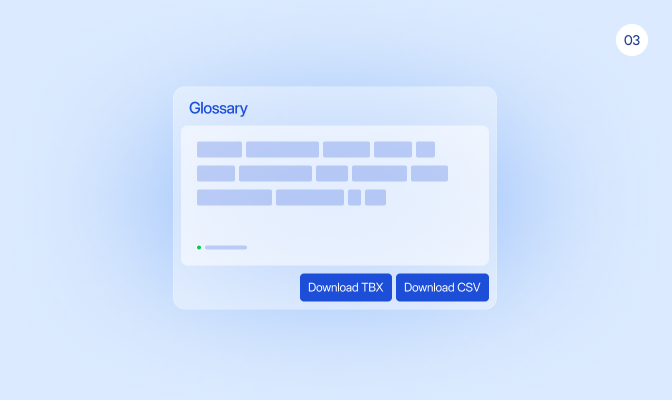
Term import and export
Import glossary data from CSV with structured metadata, then export it in the format your team needs, including simple CSV, advanced CSV, and TBX.
04

Set up fallback languages
Reuse terms from a base language when no locale-specific translation is available. Keep regional variants consistent while allowing local overrides where needed.
Define approved terms and translations, and keep terminology consistent across projects, teams, and languages.
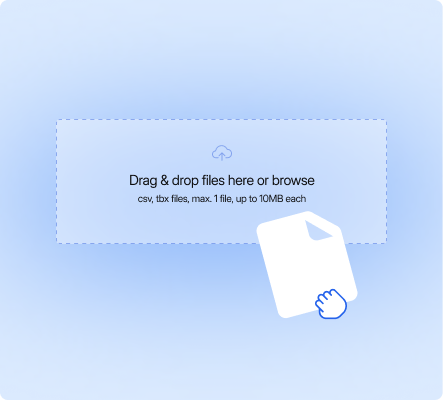
Create or import your terms
Add terms manually or import an existing glossary to build your term base in one place.
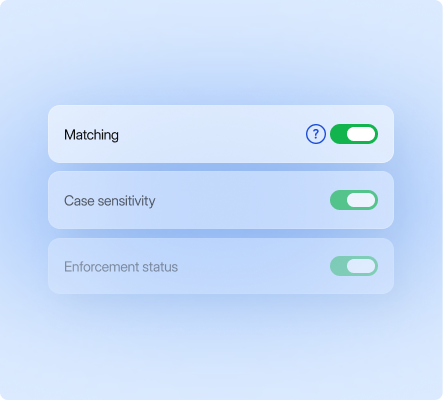
Customize term settings
Define matching, case sensitivity, enforcement status, and alternatives to control how each term is applied.

Activate across projects
Make your glossary available to teams and projects so everyone uses approved terms.
Start your localization journey with LingoHub
Free 14-day trial. No credit card required

Automated workflows for faster, predictable releases

AI-powered efficiency at every step

The single source of truth for global teams
Got questions? We have the answers.
How do I control which terms are used and which are avoided in LingoHub?

Categorize terms as “Preferred”, “Admitted”, or “Not Recommended” to enforce top choices and flag obsolete wording. You can also mark specific brand names to never be translated to ensure global consistency.
How does the glossary reduce manual review cycles?
Smart matching automatically surfaces approved terms in the editor, ensuring translators use correct wording instantly. This prevents terminology errors at the source and significantly reduces the need for manual review loops.
Can I manage different terminology in LingoHub for multiple brands?
Use project-specific glossaries alongside a global term base to manage distinct naming conventions for different products. Role-based permissions and approval workflows keep these updates secure across all departments and vendors.
